Many professionals spend most of their day in front of a computer, tablet, or phone. Over time, this constant near visual focus can cause the eyes to feel tired, dry, or strained, a common experience known as digital eye strain. It can affect productivity, comfort, and even how well you concentrate by the end of the day.
While screens are an unavoidable part of modern work, the discomfort they cause doesn’t have to be. Making small adjustments to your workspace and daily habits can ease the strain on your eyes and help you stay comfortable throughout the day. When paired with regular eye exams and up-to-date eyewear, these changes can also support your long-term vision health.
Understanding what leads to digital eye strain—and how to prevent it—can help you protect your focus and maintain clear, comfortable vision at work.
Recognize the Early Signs of Digital Eye Strain
Common Symptoms You May Experience
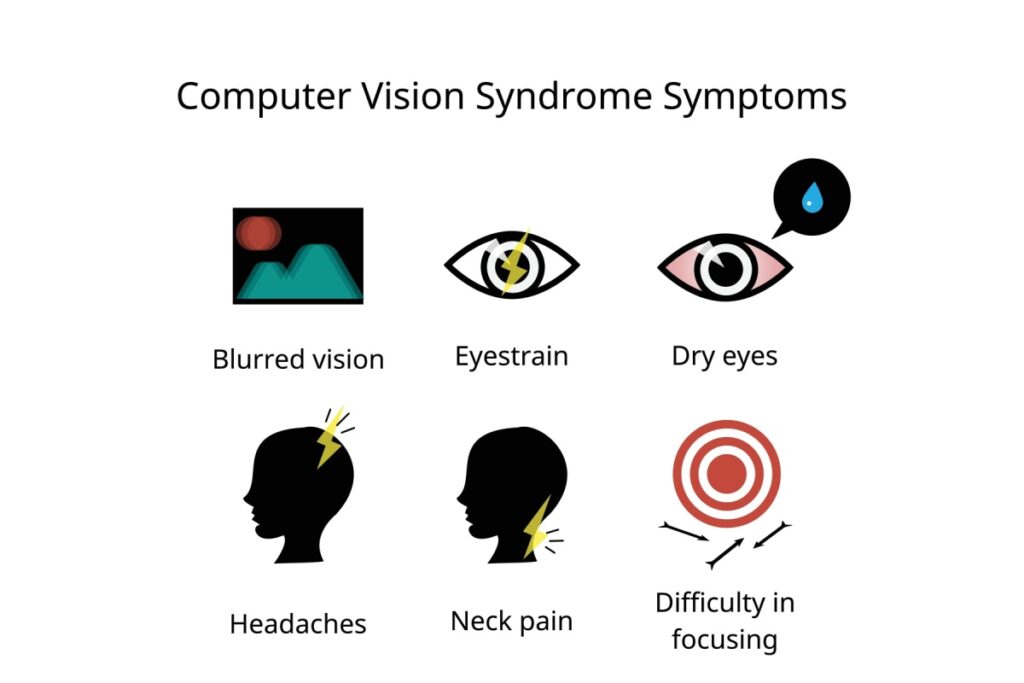
Before you can prevent discomfort, it’s important to understand what digital eye strain looks and feels like. When you spend long hours focusing on a screen, discomfort can build gradually throughout the day. At first, it might just feel like mild fatigue, but these symptoms can become more noticeable over time.
Watch for signs such as:
- Eyes that feel sore, tired, or dry
- Headaches that start during or after computer use
- Blurry or double vision
- Stiffness or pain in your neck and shoulders
Even subtle changes can affect your comfort and focus. Paying attention to these early signs can help you take steps before the strain becomes more disruptive.
Why Professionals Are at Higher Risk
Work environments often combine extended screen time with posture and lighting factors that make eye strain more likely. Glare from windows or overhead lights, sitting too close to your monitor, or working with poor contrast can all increase visual stress.
Professionals who spend much of their day at a computer—especially in settings with artificial lighting or multiple screens—should be especially mindful of these risks. Small adjustments to your work setup can go a long way in preventing discomfort and protecting your vision.
1. Follow The 20-20-20 Rule
One of the simplest and most effective ways to give your eyes a break is by following the 20-20-20-20 rule. Every 20 minutes, look at something about 20 feet away for at least 20 seconds, and take 20 complete blinks. This quick reset helps relax your focusing muscles and reduce fatigue.
Setting a reminder on your phone or computer can make this habit easier to keep up with during a busy day. Over time, these short, consistent breaks help prevent strain from building as you work.
2. Optimize Your Screen & Lighting
Your screen setup plays a major role in how comfortable your eyes feel during the day. Keep your monitor roughly an arm’s length away, with the top of the screen 30 degrees below eye level. This position encourages good posture, better blinking, and reduces both eye and neck strain.
Match your screen brightness to the lighting in your workspace, and adjust contrast or text size to make reading easier. If you notice glare from windows or overhead lights, try repositioning your screen or using an anti-glare filter. You should be perpendicular to a window, the window should not be in front or behind you.
Specialized computer glasses can also help by reducing reflections and improving visual clarity for close-up work. Small changes like these can make a noticeable difference in your comfort by the end of the day.
3. Use Eye Exams to Catch Digital Eye Strain Early
More Than Just a Vision Test
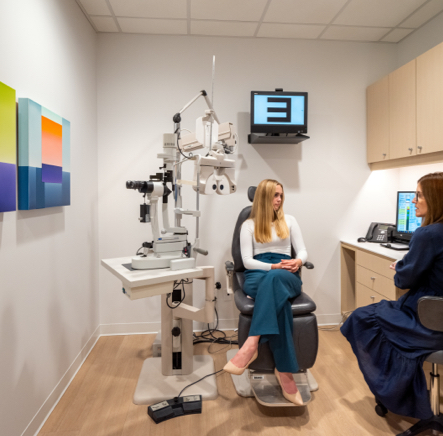
A comprehensive eye exam does more than check your prescription. It gives your optometrist a complete picture of your eye health. Many underlying issues that contribute to digital eye strain, such as uncorrected vision or focusing problems, and even dry eye syndrome, can only be detected during an exam.
During your visit, your optometrist will discuss your work habits, screen setup, and any symptoms you’ve noticed. This helps identify practical solutions tailored to your daily routine, whether that’s adjusting your prescription, updating your glasses, or recommending other strategies to ease strain.

Why a Current Prescription Is Important
Even a slightly outdated prescription can cause your eyes to work harder than they should, especially during long hours at a computer. That extra effort can lead to tired eyes, headaches, or blurred vision by the end of the day.
Keeping your prescription current ensures your eyes are working efficiently, not compensating for small inaccuracies. Regular eye exams make it easier to catch these changes early and help maintain comfortable, consistent vision throughout your workday.
4. Find the Right Glasses for Your Workday
Lenses Designed for Screen Use
Lenses designed for computer or office work can make a real difference in day-to-day comfort. These lenses are tailored for the distances most people use at a desk—typically between 50 cm and 1 m—so your eyes don’t have to work as hard to maintain focus.
Computer lenses provide a wider intermediate viewing zone and smoother transitions for switching between your monitor, keyboard, and nearby documents. This design can help reduce the effort your eyes and neck make to keep things in focus during long work sessions.
Some computer lenses may also include coatings that reduce surface reflections or mild tints that improve visual contrast. While “blue light filters” are sometimes included, the real benefit comes from improved optical design and viewing comfort rather than colour-blocking.
Frame Fit & Everyday Comfort
Comfortable eyewear is about more than just style. Frames that fit well keep lenses in the correct position, which supports clear, stable vision and reduces unnecessary eye or head movement. If your glasses slip, sit too low, or feel tight, even the best lenses can’t perform at their best.
When choosing eyewear, look for a frame that stays secure and balanced for all-day wear. The right fit ensures your lenses work effectively, and helps you stay comfortable and focused through every task on your screen.
5. Support Your Eye Health Beyond the Screen
Hydration & Blinking
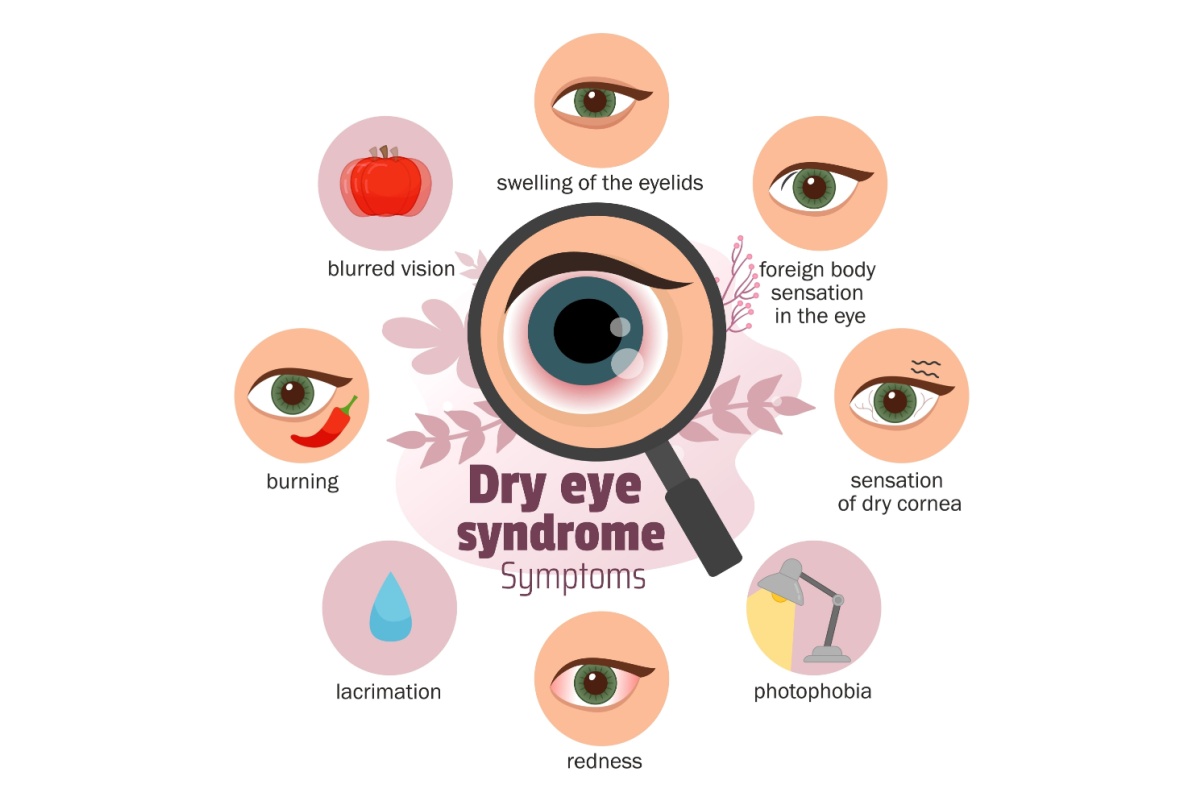
When you’re concentrating on a screen, your blink rate naturally decreases, sometimes by as much as half. This reduced blinking can cause the surface of your eyes to dry out, leading to irritation or that familiar gritty feeling after a long day.
Making a conscious effort to blink more fully and often helps keep your tear film stable and your eyes comfortable. Staying hydrated throughout the day also supports healthy tear production. If dryness continues, preservative-free artificial tears can provide extra relief, especially in office environments with air conditioning or heating.
Ongoing dryness, grittiness, or discomfort could be a sign of dry eye syndrome, and we would encourage booking an eye exam to get assessed.
Nutrition for Your Eyes
Good nutrition supports every part of your body, including your eyes. Nutrients like omega-3 fatty acids, lutein, and zeaxanthin have been linked to healthy retinal function and reduced risk of age-related eye disease.
You can find these nutrients in foods such as leafy greens (like spinach and kale), fish (such as salmon or trout), and nuts or seeds. A balanced diet that includes these foods can help maintain the health of your eyes over time, particularly if you spend long hours in front of screens.
Maintaining Comfortable Vision at Work
Managing digital eye strain isn’t about one quick fix, it’s about combining small, consistent habits that support your visual comfort throughout the day. Adjusting your screen setup, taking regular breaks, and keeping your prescription current all play a role in helping your eyes stay relaxed and focused.
Even modest changes can have a noticeable impact. Over time, you may find you’re able to work longer and more comfortably without the fatigue or irritation that screens can cause.
If you continue to experience symptoms of digital eye strain, your optometrist can help identify the cause and recommend personalized solutions. Whether that means adjusting your eyewear, refining your workspace setup, or ruling out other factors affecting your vision.
Discover more ways to reduce digital eye strain and keep your vision comfortable all day.